The Field App That
Actually Works on
Job Sites.
GPS clock-in. Daily logs. Photos. RFIs. Punch lists. Offline mode. An AI field assistant in your pocket. A true native iPhone & iPad app — now in open beta on TestFlight, free for your whole crew.
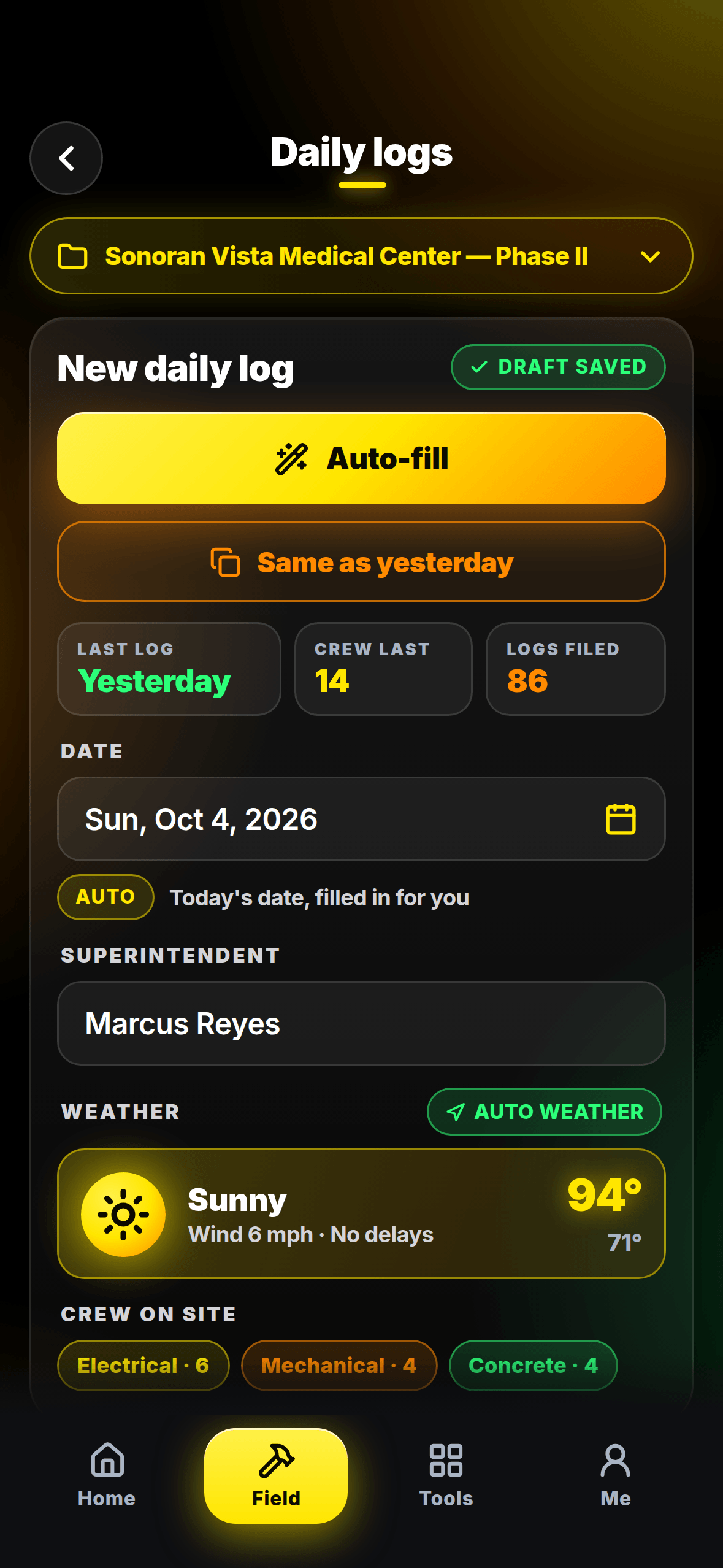
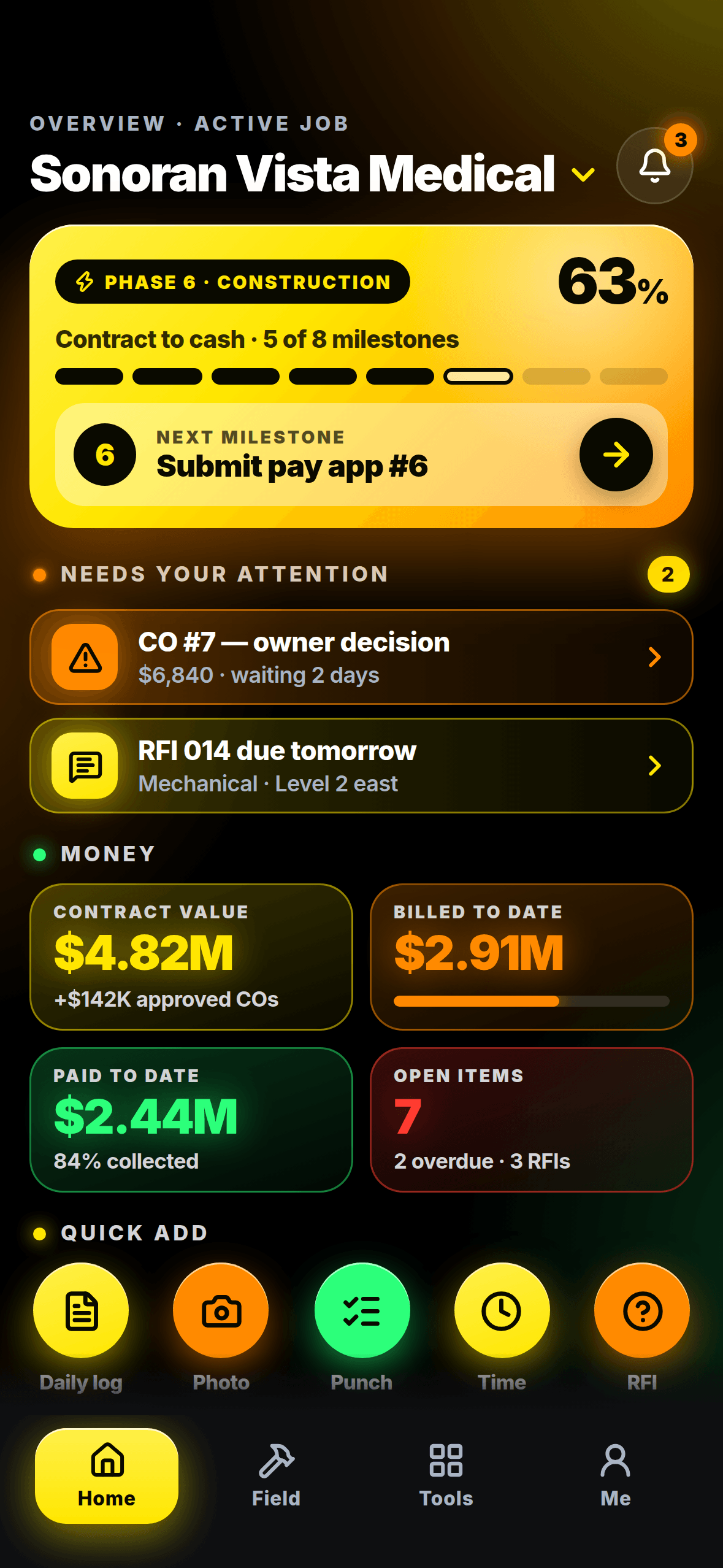
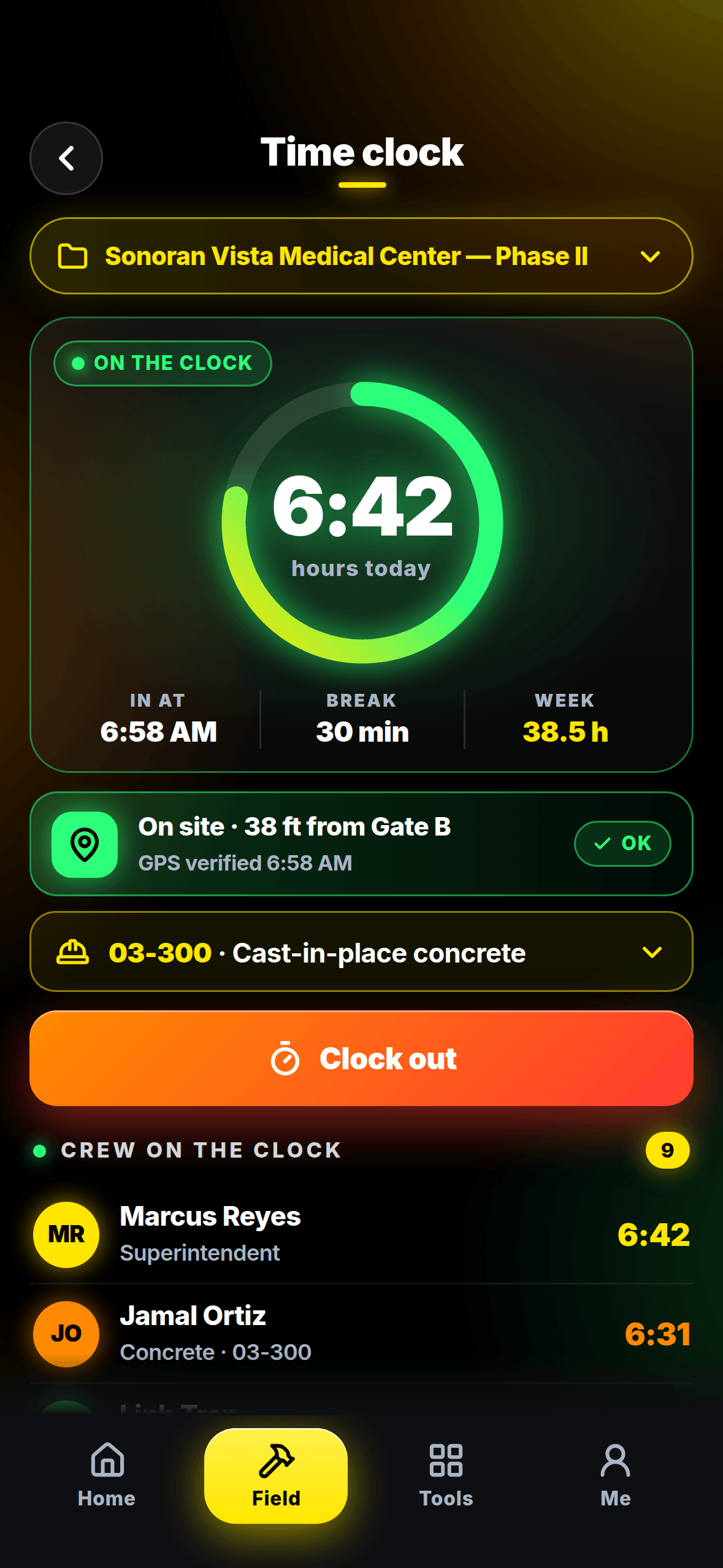
Every screen, one thumb.
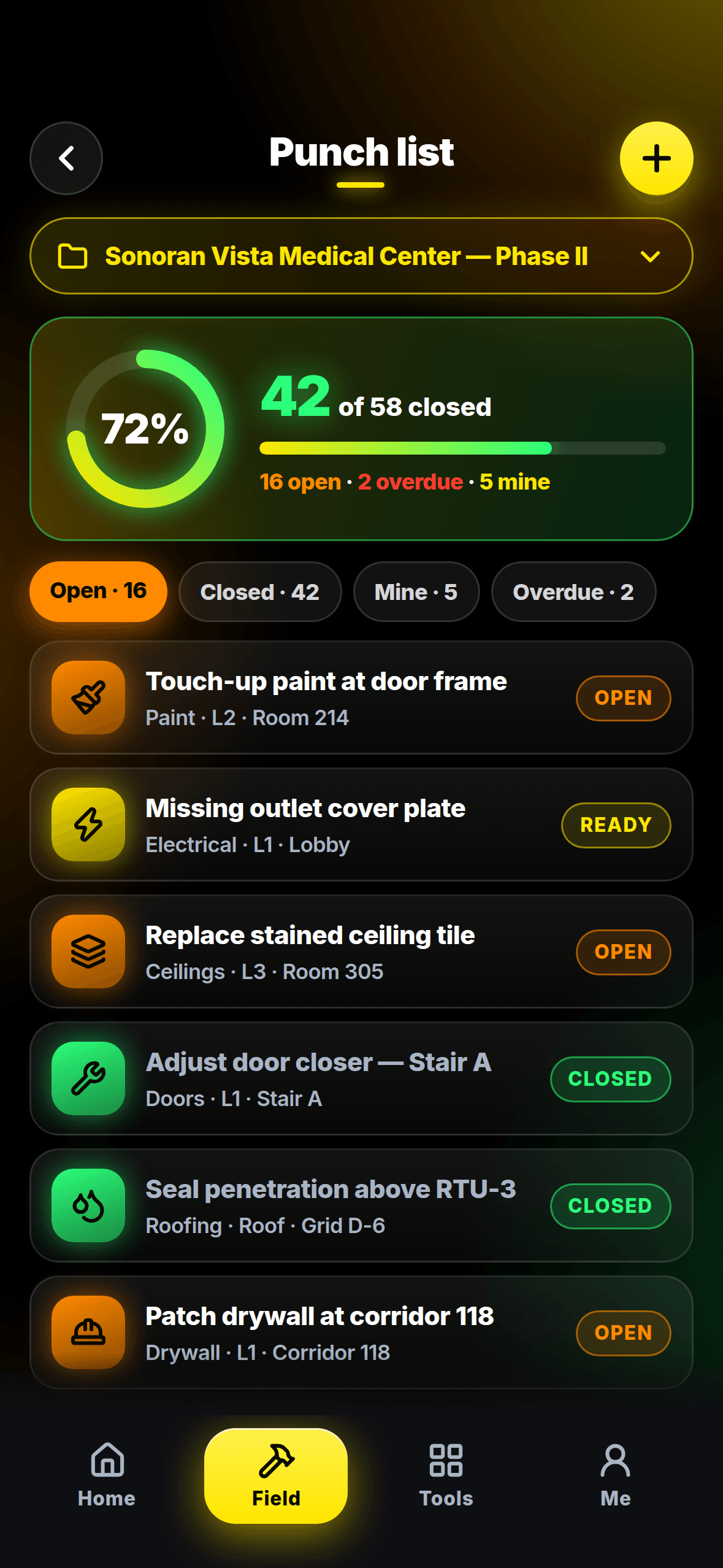
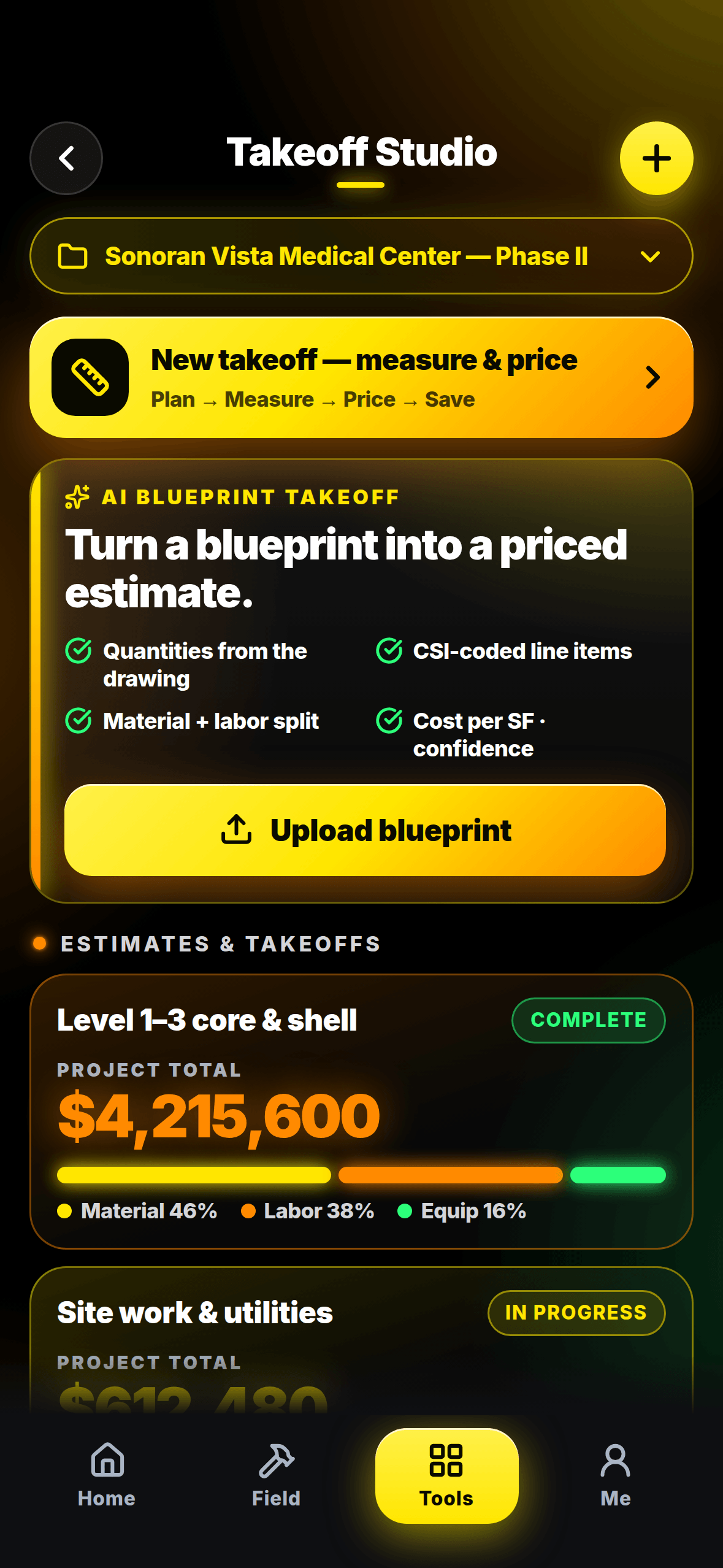
The same job your office sees — phase, money, logs, time — in a frame built for a job site.
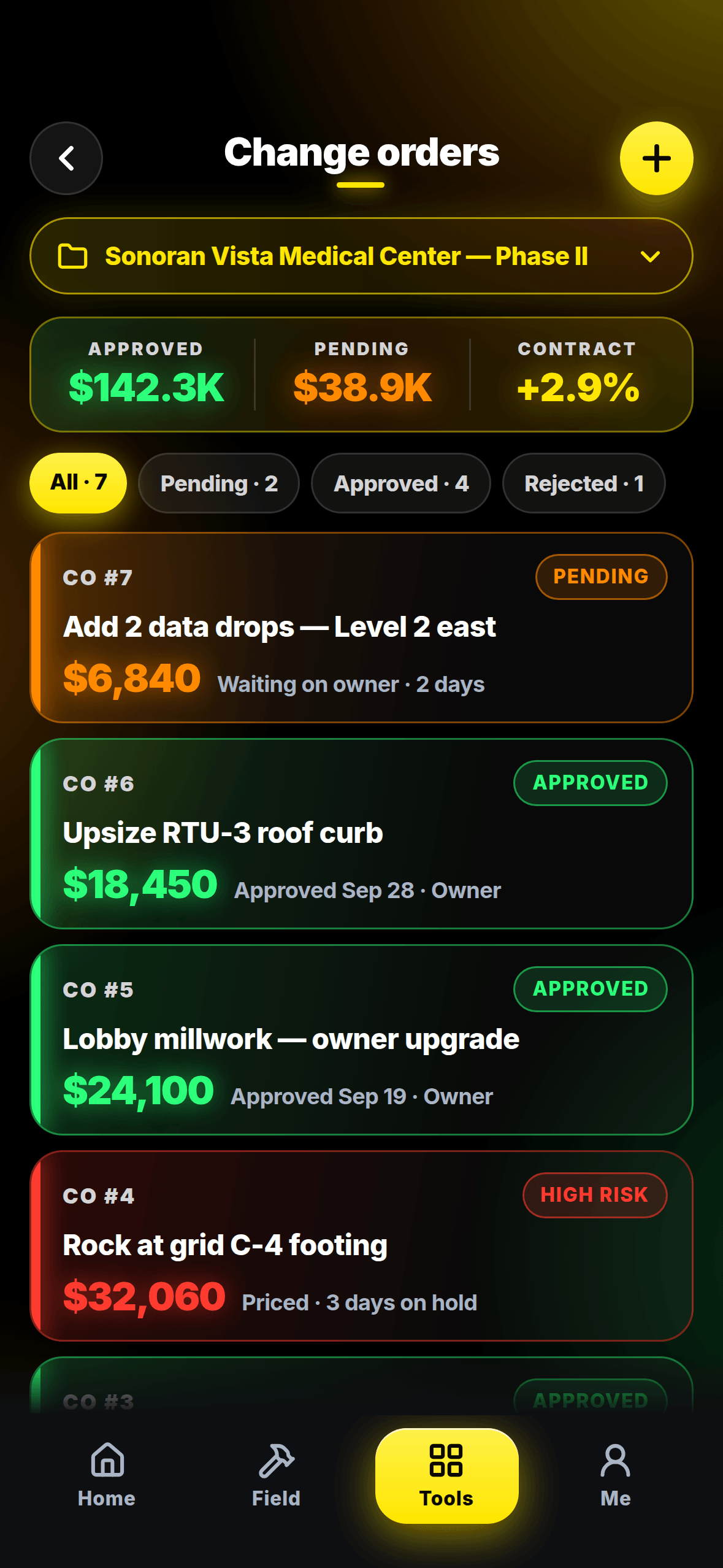
Everything Your Crew Needs on Site
Six tools that replace the clipboard, the group text, and the Friday timesheet chase — all in one native app, right in your crew's pocket.
Crew taps once. Location verified. Time stamped. No paper timesheets. Syncs to payroll automatically.
Photo + notes in 60 seconds. Auto-dated, job-stamped, searchable forever. Your office sees it instantly.
Create, assign, and resolve punch list items from the field. Attach photos, set due dates, notify subs.
Ask Sage anything: "Where's the approved RFI for door 201?" She finds it. Draft RFIs by photo — snap a problem, Sage writes the RFI.
Signal dead on site? Keeps working. Daily logs, photos, clock-ins — everything queues and syncs the moment you're back online.
Submit RFIs from the field with photos. Run inspection checklists. Get instant notifications when responses come back.
Install on iPhone or iPad via TestFlight
Saguaro Control Systems is in open beta on TestFlight. Two minutes and it's on your phone.
- 1Install Apple's free TestFlight app from the App Store.
- 2Open testflight.apple.com/join/jg7jdtwx on your iPhone.
- 3Tap "Install" in TestFlight — Saguaro Control Systems lands on your home screen.
- 4Open it, sign in, and you're on the jobsite.
Saguaro Control Systems is in open beta on TestFlight. Tap below on your iPhone or iPad to get in — it's free while we're in beta.
Join the iOS Beta →30 Seconds Away From a Better Job Site
Join the iOS Beta →No credit card required.